
Concur - Save Copy of Itinerary
Save and Access Your Trip Itinerary
- Log in to Concur with your OHIO ID password.
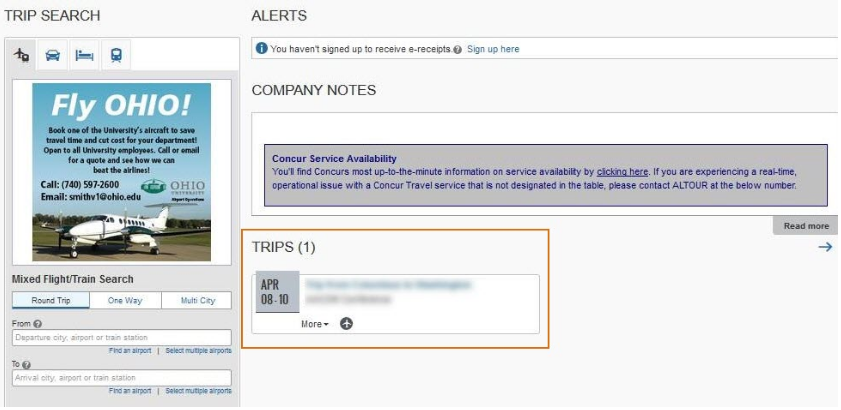
Access your future travel in the Trips section in the middle of the screen, below company notes.
- Click the trip you would like to document.
On the Travel details page, you can either click Print Itinerary or E-mail Itinerary.
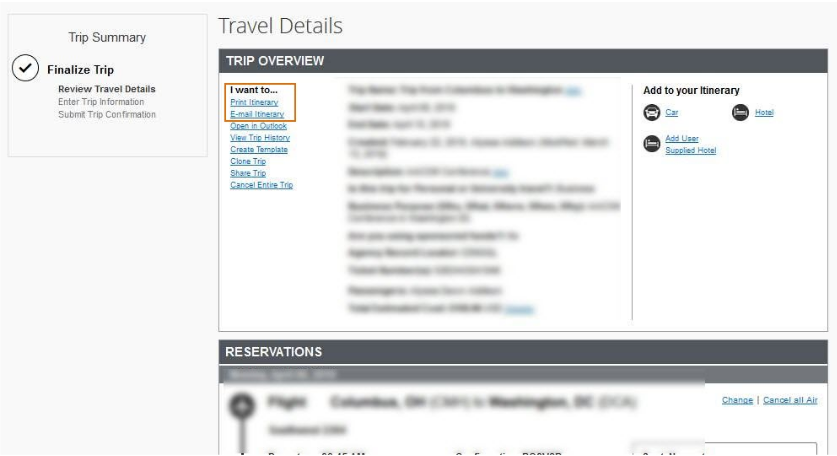
If you click print itinerary, you can print a hard copy or print to PDF by changing the printer to “Adobe
PDF”. This will save a PDF of your travel itinerary.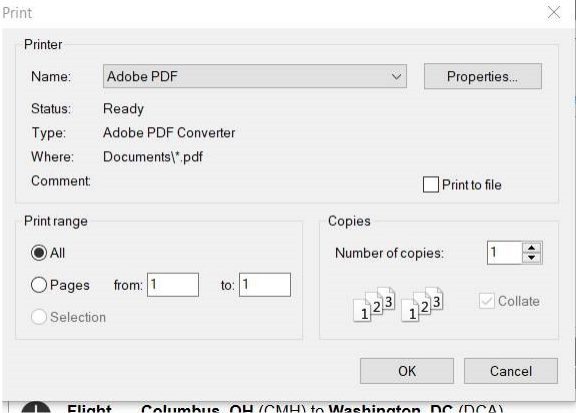
- E-mail Itinerary will allow you to email yourself or someone else a copy