
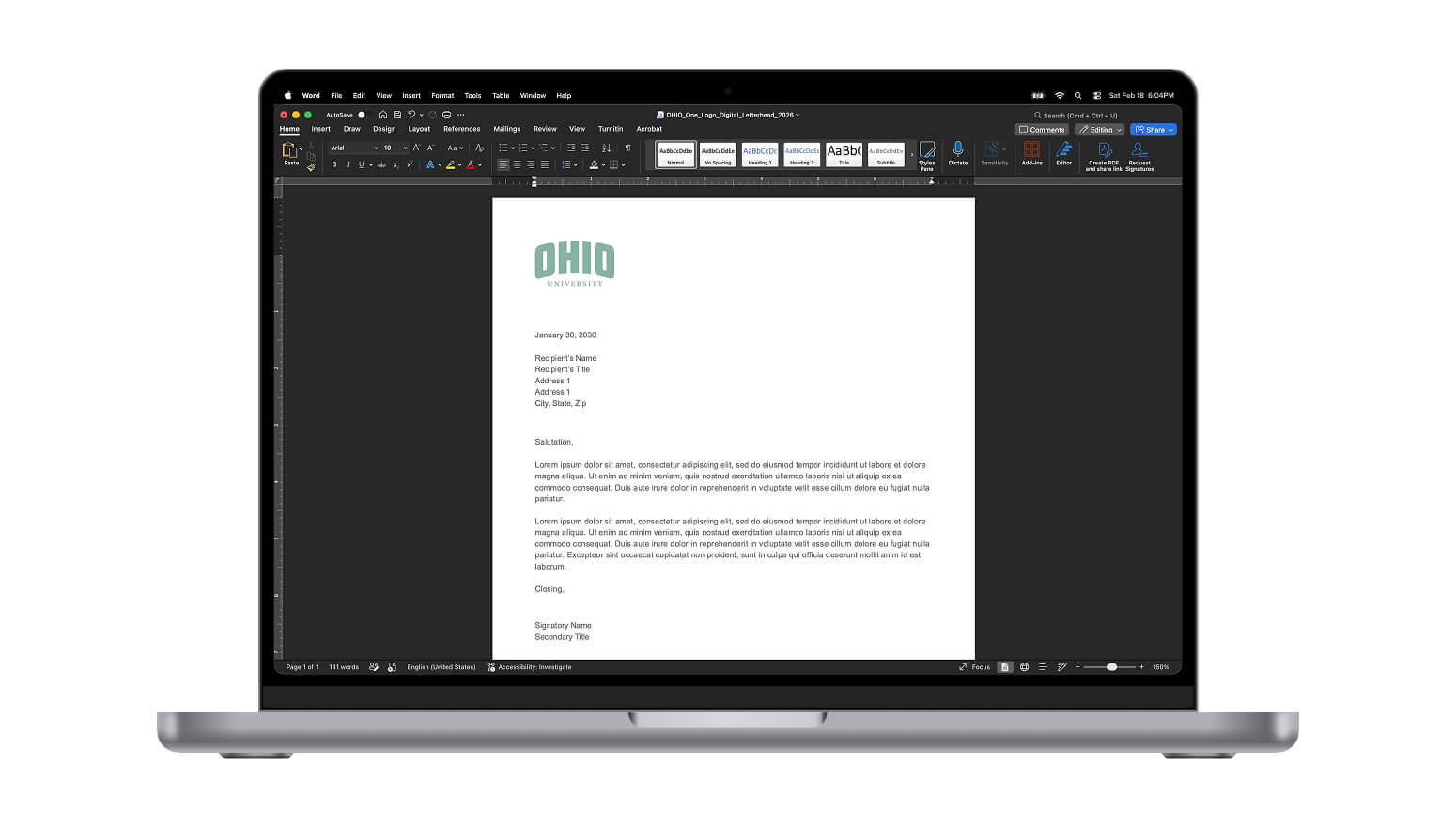
Digital Stationery
Ohio University offers an adaptable system for letterheads and stationery designed to allow for flexibility in length of content and sub-brand expression while staying anchored in the OHIO brand. Brand consistency is delivered through the standard use of the block OHIO word mark, while adjustable content sections and optional double-sided envelopes offer space for the inclusion of college or unit-level sub-brands.
Best Practices
- Ohio University letterhead must include the block OHIO as well as a footer containing appropriate contact information.
- Do NOT modify the size, position, aspect ratio, etc. of the OHIO logo.
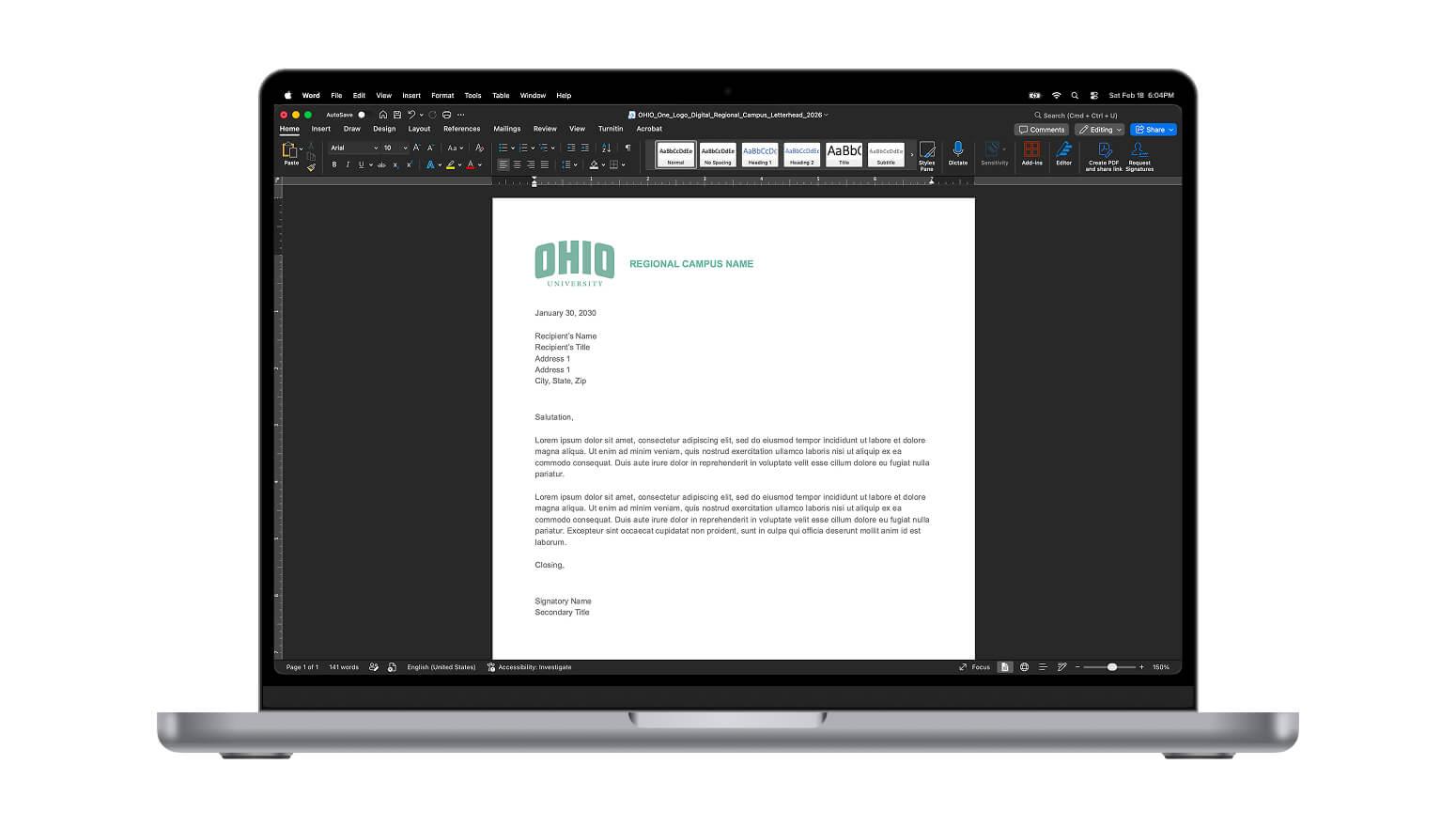
- Regional campuses may include the campus name adjacent to the logo, but it is not required.
- The footer can include any combination of Division/College/Department/Unit name, address, phone, fax, email, web and social media. It is best practice to include, at a minimum, an official office address and phone number.
- All elements used in the footer must direct to official University phone numbers, web addresses and social media accounts. Links to personal websites or social media accounts are not allowed on official Ohio University letterhead.
- University employees are encouraged to utilize the University’s brand fonts when using either printed or electronic letterhead.
Instructions for Use
- Enter text in the Header or Footer of the letterhead by either double clicking in the header area (where the OHIO logo is located) of the template document or going to “view” and selecting “header and footer.”
- Once you make your changes in the Header or Footer, delete the directions and save the file as a template (.dotx extension) and use this new file as your custom template.
- Open your custom template and type your letter or paste text in the content area. Then save that document as a Word document (.docx extension). Your template then remains intact.