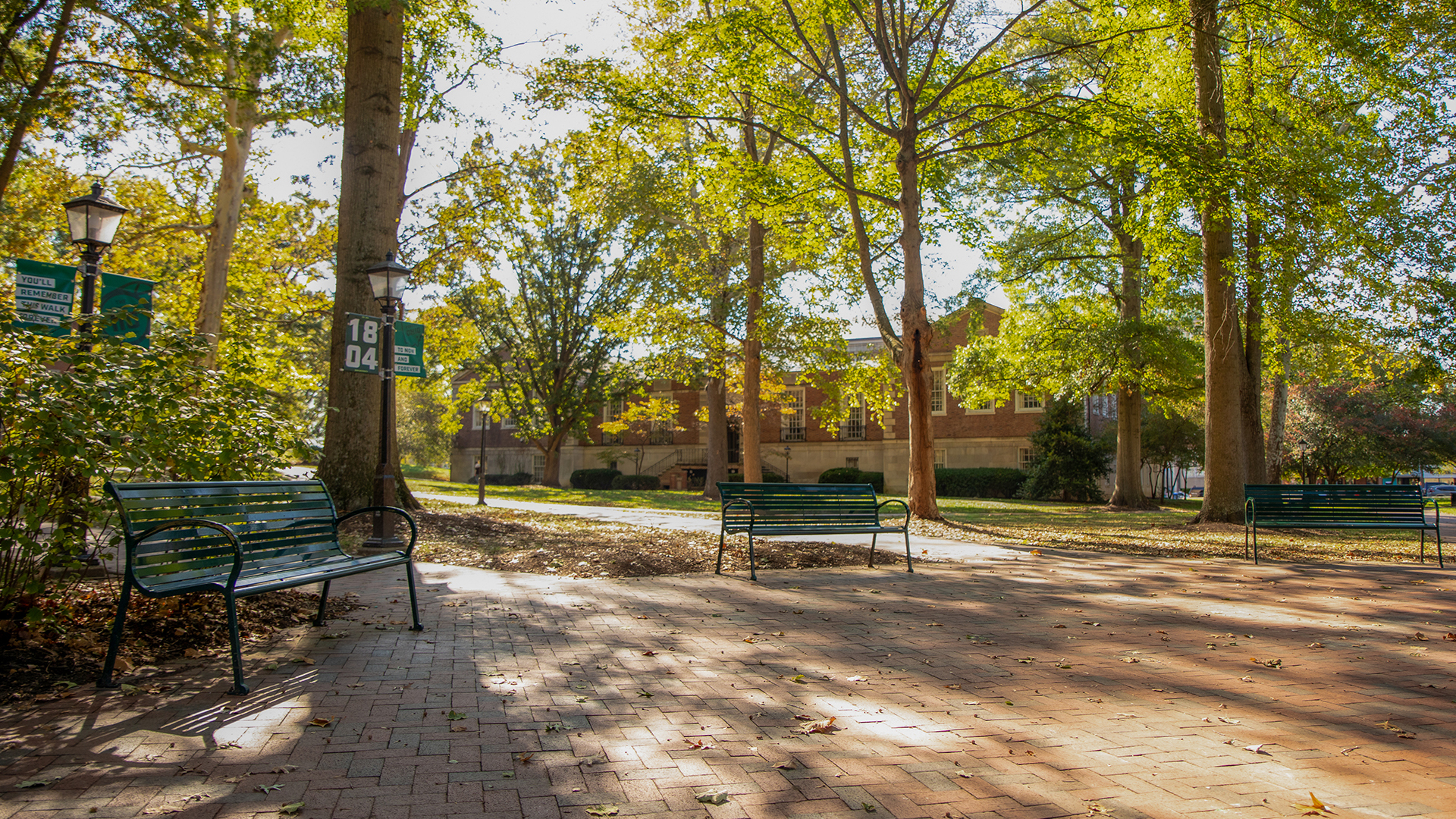
Virtual Meeting Backgrounds
Show your OHIO spirit with our downloadable backgrounds for virtual meeting platforms such as Zoom, Microsoft Teams, and Google Meet.
Desktop Download Instructions
- Click "Download" button below for the desired background.
- A high quality version of the image will populate in a new browser window.
- Right click on image.
- Select "Save Image" and save to device.
Mobile Device Download Instructions
- Click "Download" button below for the desired background.
- A high quality version of the image will populate in a new browser window.
- Press on image and hold until a menu of options appears.
- Select "Save Image" and save to device.
Pro Tip: The backgrounds may appear as a mirror image to you as a preview in the platform, but your meeting attendees receive a non-mirrored video including the image of you and any background.