
Presentation and Poster Templates
Whether you are representing Ohio University at a conference or presenting at an internal meeting, you’re encouraged to use the OHIO branded templates.
Three Slide Designs
Powerpoint Templates
This downloadable PowerPoint template includes three basic slide designs with multiple versions. It includes instructional slides that walk you through how to use the branded template.
PLEASE NOTE: In order for the PowerPoint to display correctly on your computer, you need to have the OHIO brand fonts installed on the computer. Our branded fonts are included on all university-managed computers and are available to all OHIO faculty and staff.
Keep in mind that fonts are specific to the computer in use, so if it is necessary to share the PowerPoint with a non-OHIO computer for presentation, they will not display correctly. In these cases it is our recommendation that you change headlines and title slides to the Microsoft font Georgia. The body copy will default to an acceptable sans serif font.
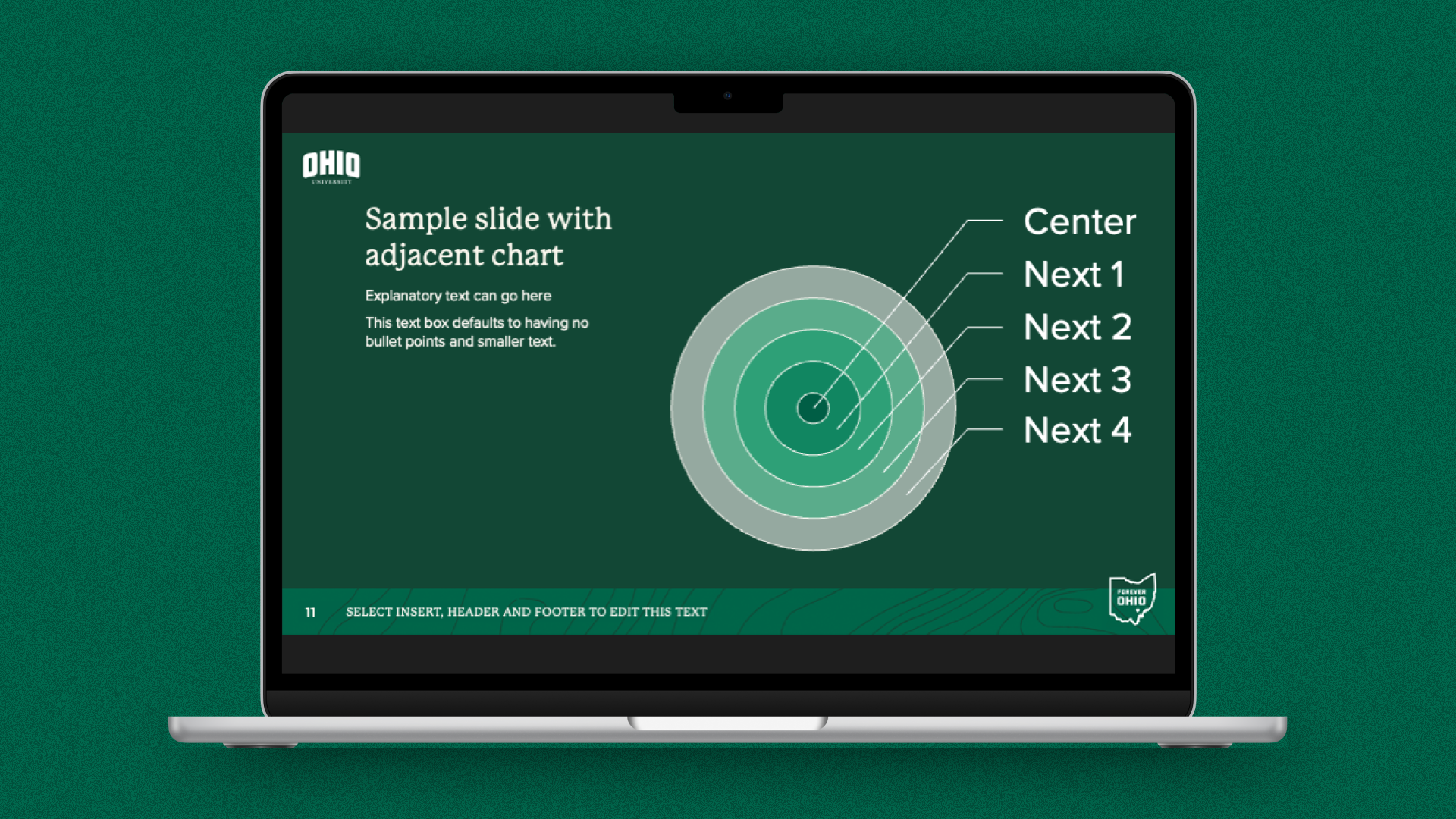
Green Background
Slides with the darker background can help with the visibility of data tables or other graphics. Note that this option can be more difficult to read when projected in a space with lots of light.
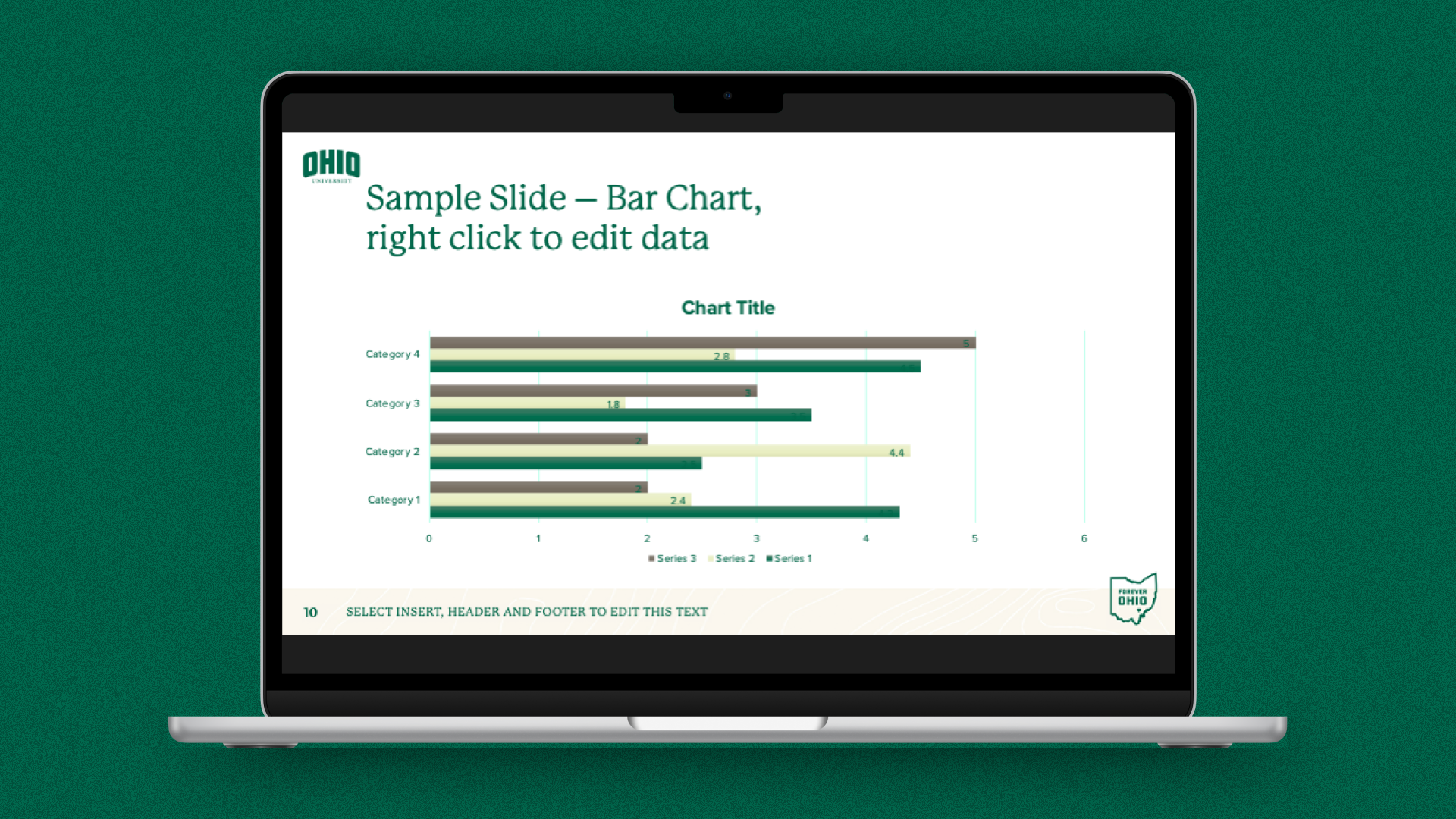
White Background
The lighter colored slide works well for slides with dense charts or graphs or multiple bullet points and is a good option for readability.
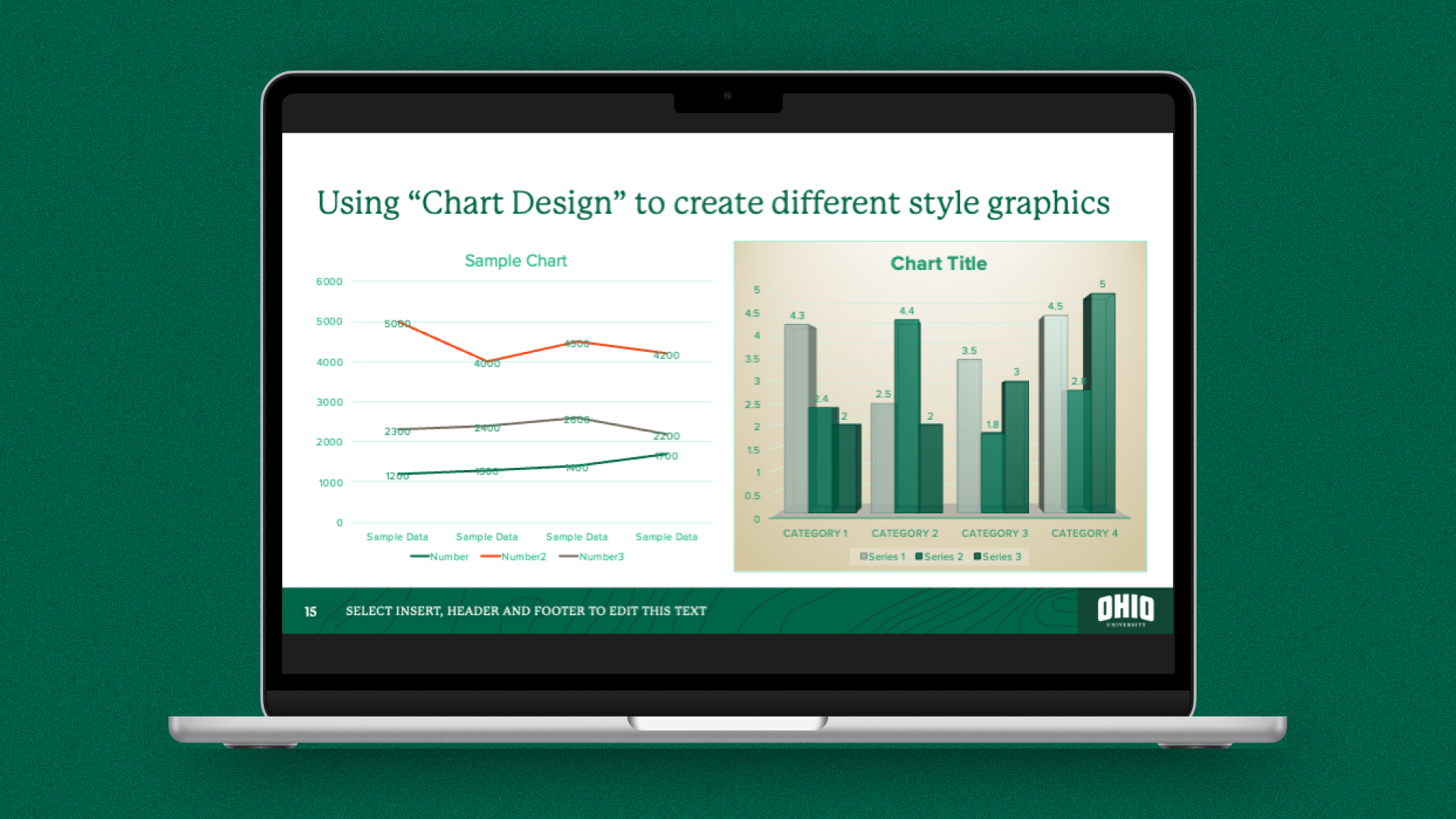
Slim Margins
A third slide type is included to incorporate the footer and logo at bottom and slimmer margins in order to maximize space on the slide for presentations with lots of data.
Various Poster Sizes
Poster Templates
Branded research posters act as scientific and academic ambassadors. They instantly convey credibility and establish immediate professional recognition among peers and funders. Cohesive design ensures your work is clearly communicated and consistent. Branded materials present a unified front at symposiums.
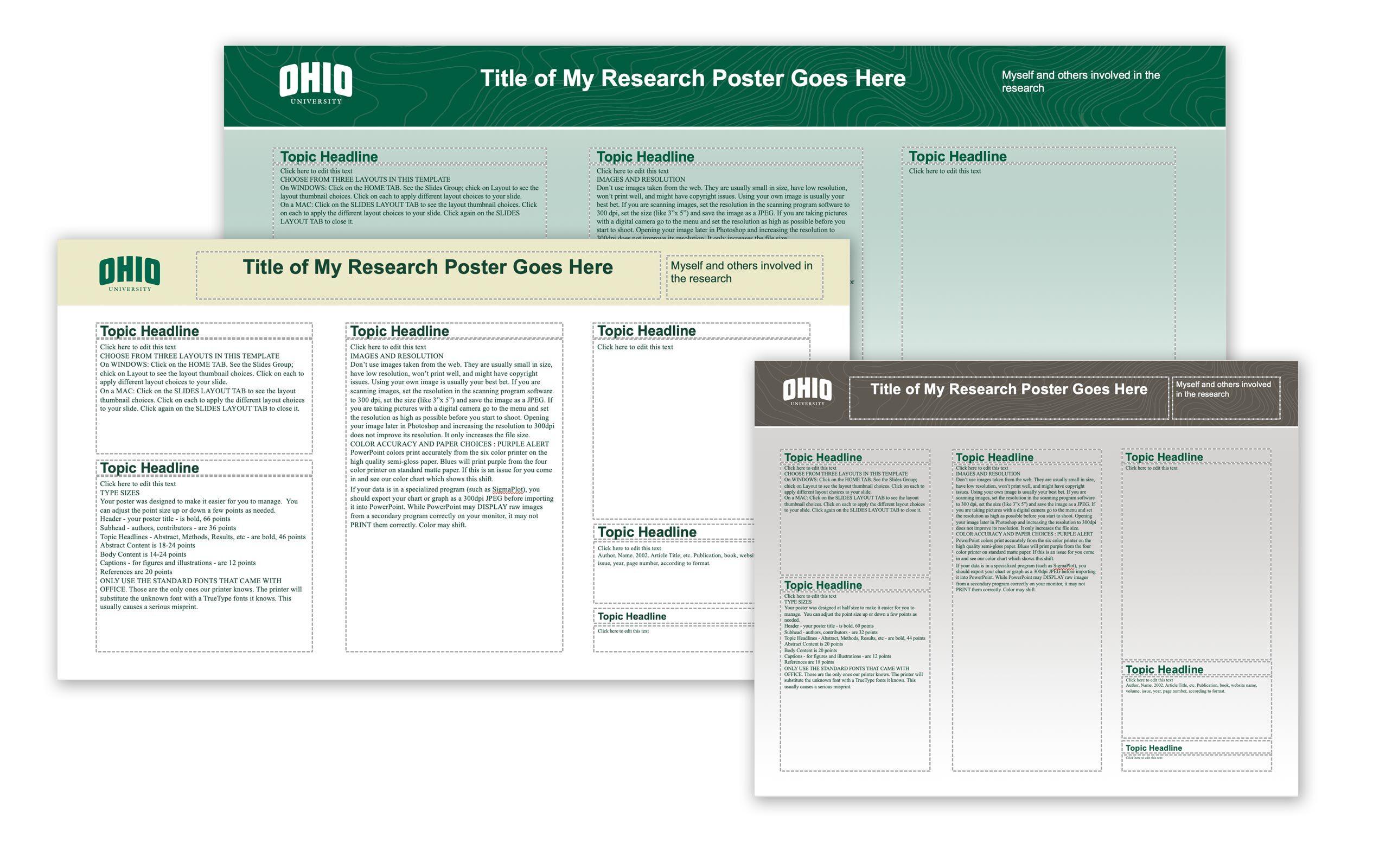
Poster Design Options
Our Ohio University branded poster templates include a variety of sizes and provide five design options for each size. In the folder you will find individual PowerPoint templates for posters in the following sizes:
- 18 in. by 24 in.
- 18 in. by 36 in.
- 20 in. by 24 in.
- 20 in. by 26 in.
- 20 in. by 36 in.
- 20 in. by 48 in.
- 24 in. by 24 in.
- 24 in. by 36 in.
- 24 in. by 48 in.
- 24 in. by 56 in.
- 34 in. by 48 in.
- 34 in. by 60 in.
- 36 in. by 36 in.
- 36 in. by 48 in.
- 36 in. by 56 in.
- 36 in. by 60 in.
- 36 in. by 70 in.
- 36 in. by 72 in.
- 40 in. by 40 in.
- 40 in. by 60 in.
- 40 in. by 70 in.
- 48 in. by 48 in.
- 48 in. by 60 in.
- 48 in. by 72 in.