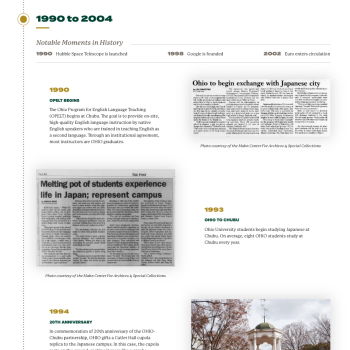
View an example of the timeline being used in a News Story
Element: Timeline
Milestones That Shape the Bobcat Experience
At Ohio University, our legacy is built on innovation, impact, and the unmistakable Bobcat spirit. Use the timeline element to showcase key milestones, events, and achievements that shape our vibrant university community. From groundbreaking research and campus expansions to student celebrations and academic excellence, the timeline element captures the moments that define who we are.
Features
This element contains many optional features to get the look that you want to achieve. You can create a timeline with only a year and short title, only text, or images with optional text in various column width layouts.
Recommended Image Sizes
There aren't specific image size recommendations, but editors should size accordingly to how the image is being used on the page. Make sure that the image is high enough resolution for the configuration selected. For example we wouldn't want a smaller image (ex. 300x500) to be used in the full width image option since it would be stretched out and likely pixelated. Even so, full width images do not need to be wider than 1800px. Every image should still follow the general image guidelines for optimization. Overall the element is quite flexible and will accommodate the various size images editors may want to add.
Example of Timeline Usage