
Routing a Proposal for Review
Routing a Proposal for Review
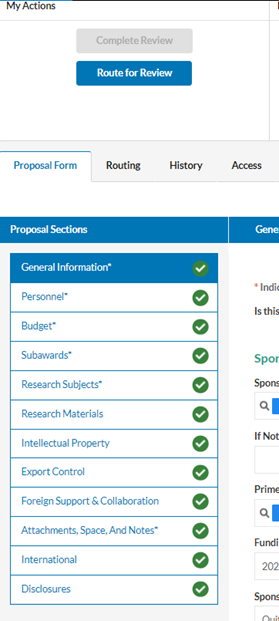
When all tabs on your proposal have a green check, you are ready to route your proposal for review. To route your proposal, click on the blue Route for Review button on the upper left-hand side of the page:
The Routing Section
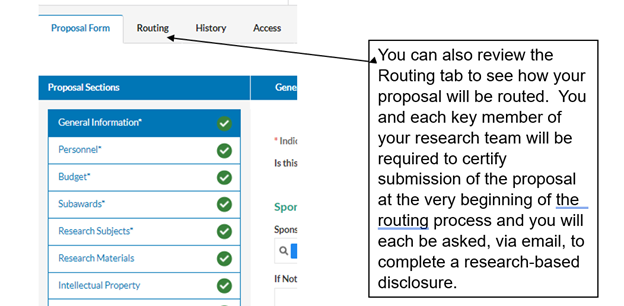
The “Routing” section of the Proposal Form shows all person(s) who need to certify (PIs/CoPIs) and approve (Department, School, ORSP) the proposal record in order to move the proposal status from “Under Review” to “Approved”.
This section includes the below fields:
- Team: (The School/Department)
- Members: (The Specific Approver(s) of the School/Department)
- Decision: (Certified or Not Certified/Approved or Not Approved)
- Date: (Date of Certification/Approval)
- Comment: (Any Comments Left During Certifying/Approving)
The Order for approvals is:
- The PI, Co-PIs, Investigators, Co-Investigators, and Mentors will be asked to certify the record.
- The Department representative will be asked to approve the proposal.
- The School representative will be asked to approve the proposal. Once approved by the School representative.
- Any Special Approvals (Advancement, Capital Construction, International Activity, Subawards) will be asked to approve the proposal.
- The OSP Team will be asked to review, approve and submit the proposal.
All those having access to the proposal record can view the Routing tab to see the approvals granted and those still pending.