Responding to Reviewer Comments in Cayuse Human Ethics
You will likely receive comments in your submission from Office of Research Compliance (ORC) staff and/or IRB reviewers. All comments must be addressed in the form before you are able to resubmit. The steps below will guide you through the process of finding and addressing your revision comments.
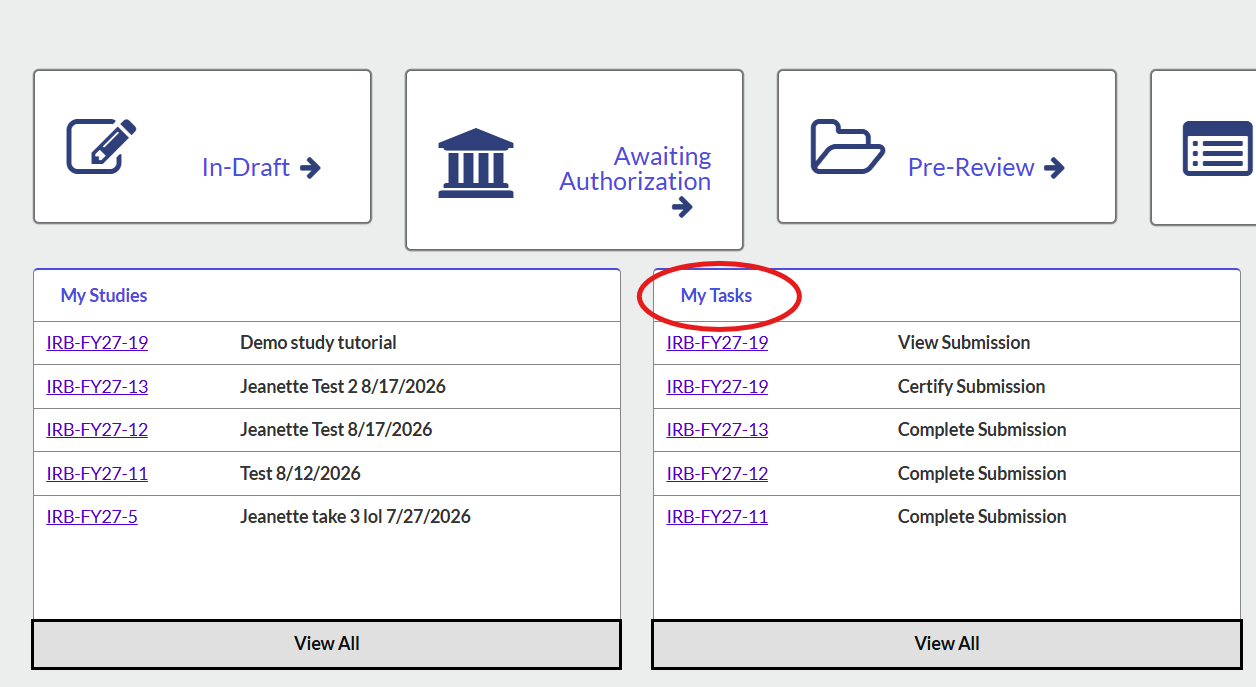
When revisions are requested, either in the pre-review stage or during IRB review, you will receive an email from the Cayuse system letting you know revisions are needed. There are multiple ways to find the submission in Cayuse Human Ethics, but submissions awaiting your attention will be found in the "Tasks" section of your Human Ethics dashboard.
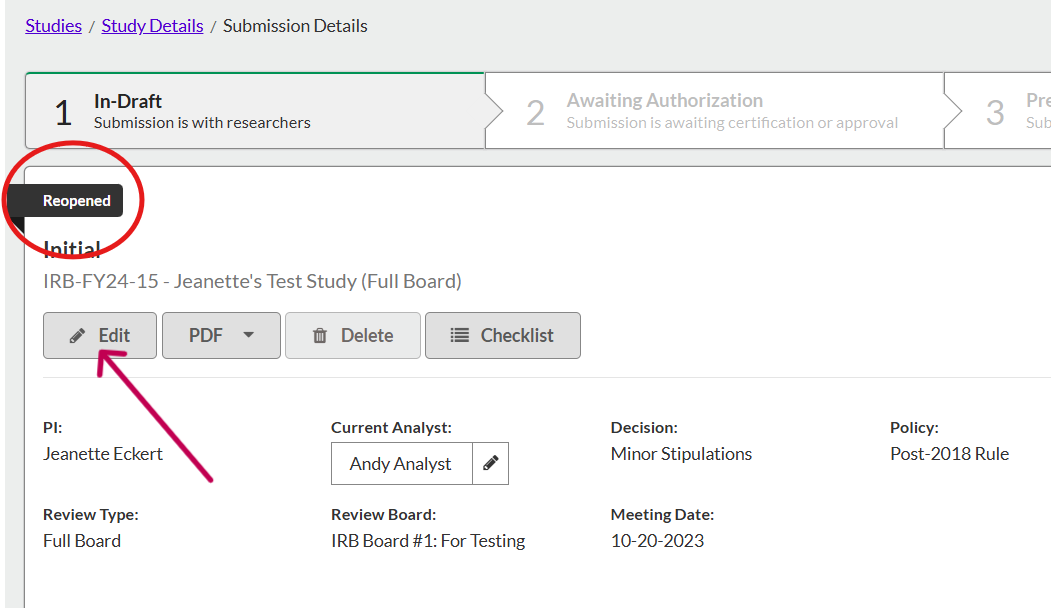
After clicking on the blue hyperlink of the submission number you wish to edit, you will notice it says "reopened." Click the "edit" button to view your comments and make changes.
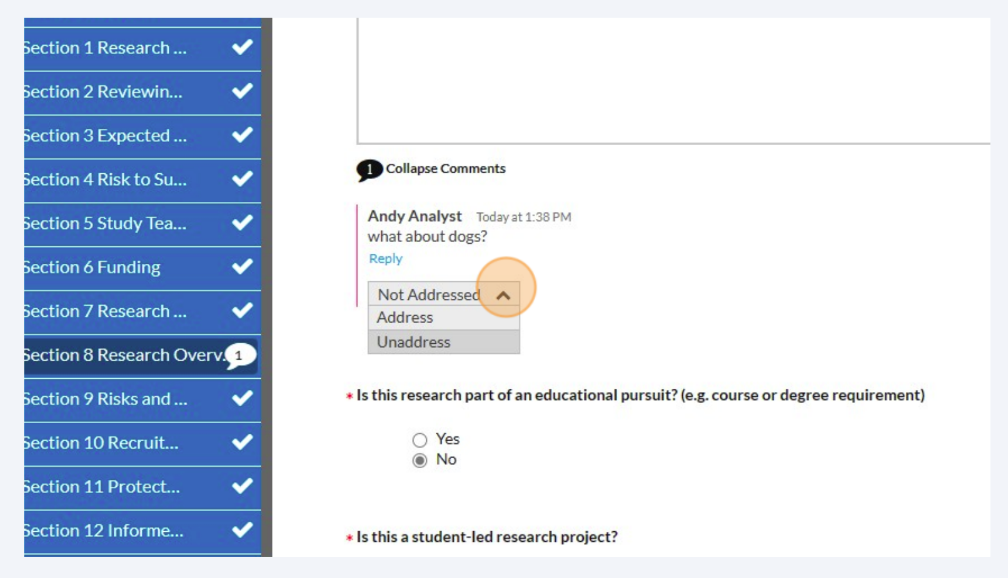
In the blue menu on the left, sections that have review comments will have a white comment bubble icon. In those sections, find and read the comments. Once you have addressed the comment, you will toggle to the "addressed" option below the comment. It is not necessary to enter a reply to the initial comment, but depending on the nature of the comment, it may be helpful for the reviewer. Use your judgement here.
In most cases, a comment reply alone will not sufficiently address the review comment, so be sure to make appropriate changes to the text box responses as needed to provide the requested clarification or additional details.
The Cayuse Human Ethics system has a "compare" function to allow ORC staff and IRB reviewers to see all changes that have been made. Therefore, tracked changes or highlighted versions of documents are not necessary. We appreciate "clean" versions of documents so that we can place the approval stamps on the final version to be used.
Before resubmitting, ensure that all white comment bubble icons are gone (they will disappear once all comments in the section are marked "addressed") and that each section has a white check mark. Sometimes, if you need to change an answer to a question based on a review comment, it may unlock additional questions in that section that you did not previously answer, and the white check mark will not appear until all required questions are answered.
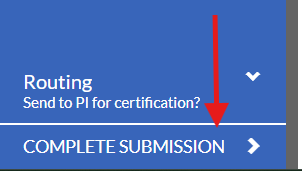
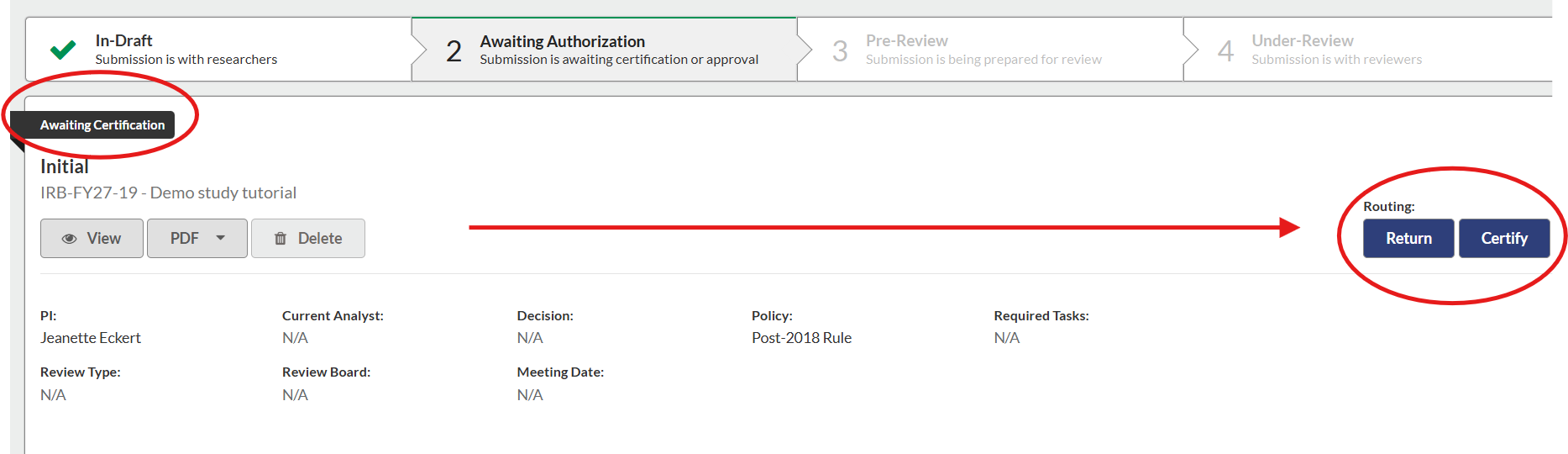
Once you are satisfied with your revisions, you will complete the submission and certify as usual. Note that, unlike the first time the form was submitted, the whole study team will not need to certify. Only one person, either the PI, the Co-I, or the primary contact (PC) will need to certify to move the study back into pre-review stage.