
Submitting a Modification for Review in Cayuse Human Ethics
If you wish to make any changes to your previously approved protocol, you must first submit a modification request and receive approval before implementing the changes. This includes changes to procedures, inclusion/exclusion criteria and target study population, questionnaires, documents such as the consent form or recruitment materials, study personnel, compensation, and risks or benefits. The steps below outline how to submit a modification to an approved study in Cayuse Human Ethics. Do not submit modifications to projects that have received a "not human subjects research" determination.
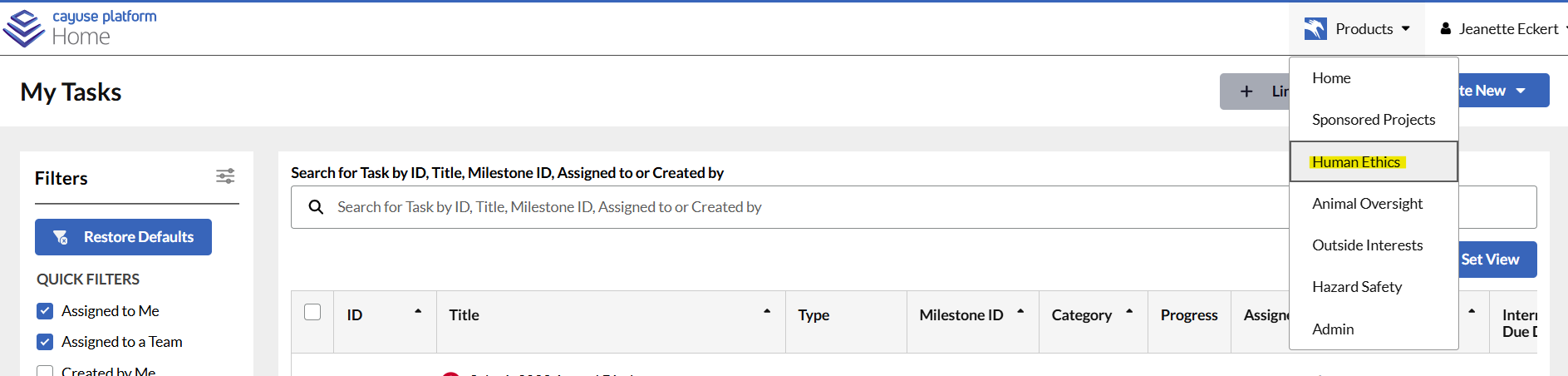
Login to Cayuse: https://ohio.app.cayuse.com and navigate to Human Ethics using the "Products" drop down menu.
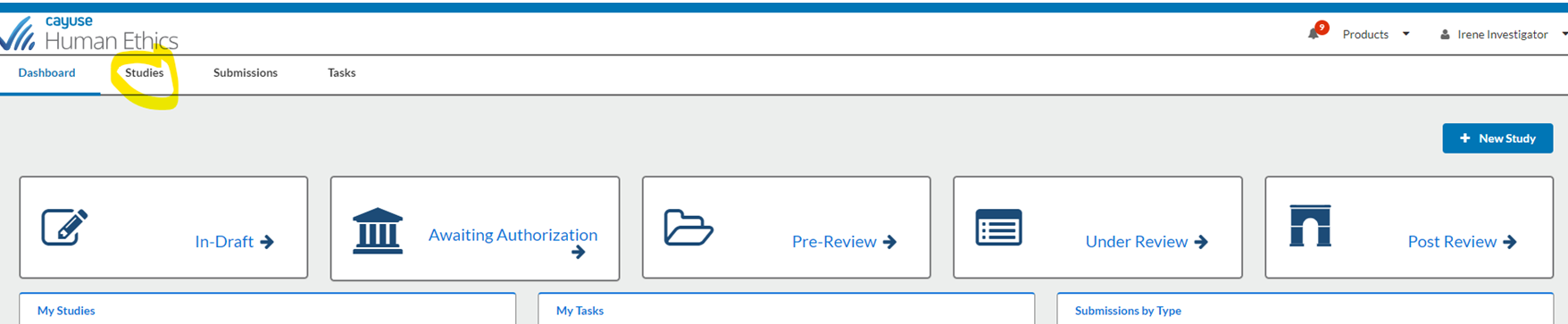
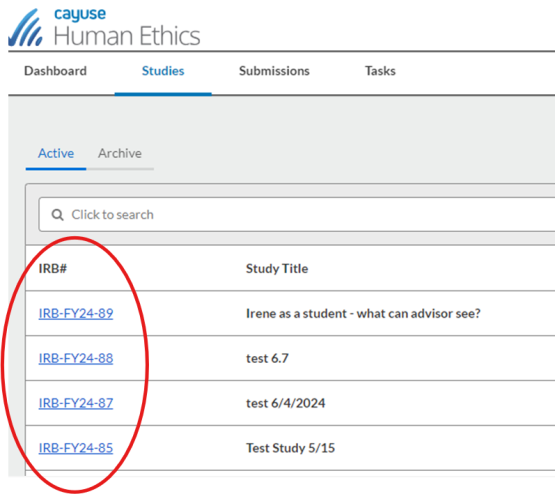
On your dashboard in the Human Ethics module, select the blue hyperlink of the study you wish to modify. There are a few ways to see your studies, including clicking on the "Studies" tab.
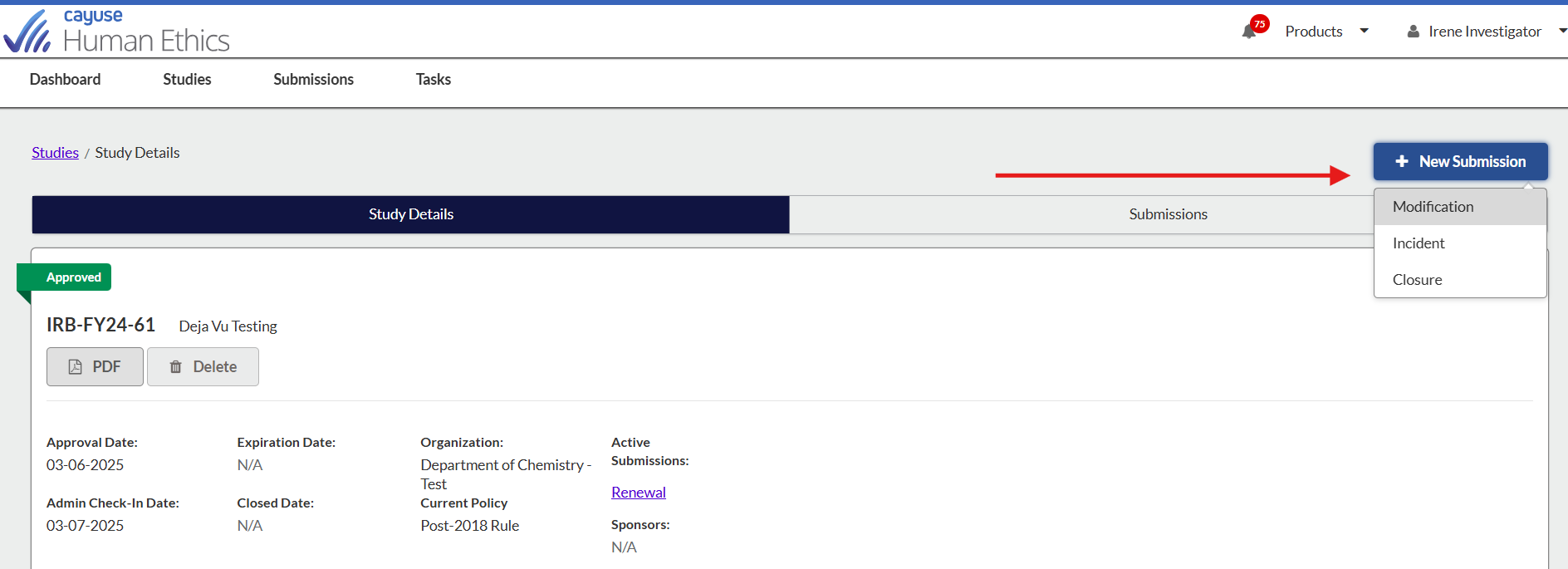
Once on the "Study Details" page of the study you need to modify, select "New Submission" in the top right corner and pick "Modification."
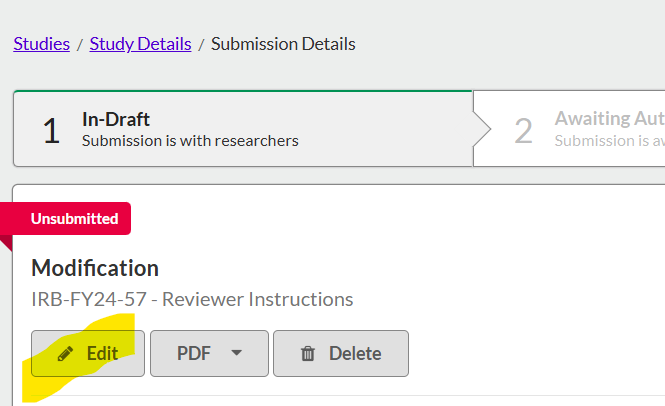
Then select "Edit" on the "Submission Details" page to begin editing the form.
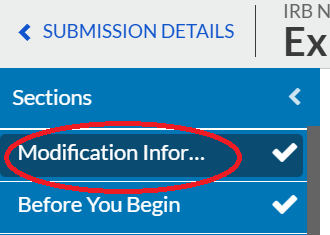
In the "Modification Information" section at the top of the blue menu on the left, describe the changes you wish to make. Be sure to include all changes and a reason why each change is being made. If changes are detected in the form that are not described in the modification section, the submission will be returned for correction.
Next, you will go through each section and make changes as needed to reflect your proposed modification(s). A common reason that modification submissions are returned in pre-review is that necessary changes have not been made in all applicable sections. For example, if removing a member of the study team, ensure that recruitment materials and consent forms are also revised if this person was listed in these materials.
The Cayuse Human Ethics system has a "compare" function to allow ORC staff and IRB reviewers to see all changes that have been made. Therefore, tracked changes or highlighted versions of documents are not necessary. We appreciate "clean" versions of documents so that we can place the approval stamps on the final version to be used.
Once you have made all the necessary edits, you will proceed with submitting and certifying in the same manner as for an Initial submission.
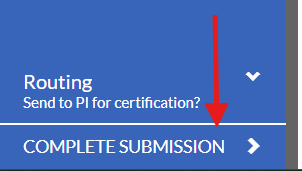
Remember to CERTIFY using the blue button on the submission details page - this step occurs after you submit the form using the "Complete Submission" button at the very bottom of the blue menu - if you don't see "Complete Submission as an option, review the blue menu to see which section is missing a white check mark and address the incomplete questions. Sometimes, changing the answer to a question as part of a modification may unlock new questions that need to be answered.
The submission is not received by the Office of Research Compliance until the PI, Co-Is, and the faculty advisor (if applicable) have certified. All study team members who are required to certify will receive an email from Cayuse.
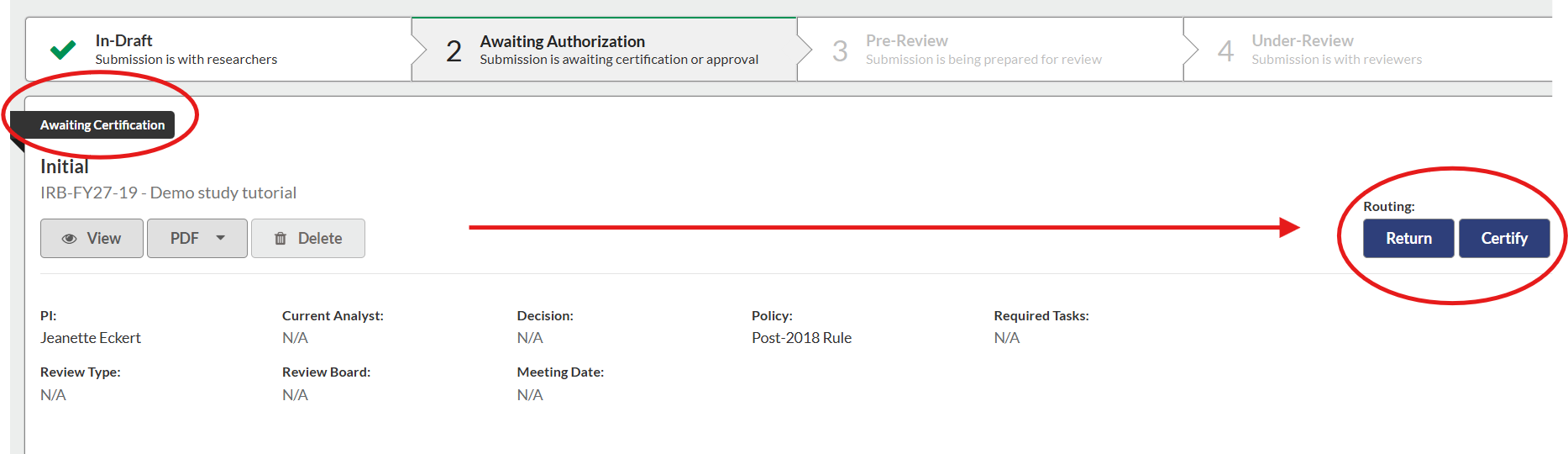
The submission will remain in "Awaiting Authorization" status until all certifications are complete. It is the responsibility of the PI and/or Primary Contact to ensure all study team members certify by checking in on the submission status and communicating with their study team. Once all certifications are complete, the submission will move into a status of "Pre-Review." This is the stage at which it is fully submitted to ORC.
Faculty advisors, or any collaborator, have the option to click "Return" instead of "Certify" if they notice the submission needs revision. This will send the form back to a stage that can be edited by the study team. Faculty advisors, or Principal Investigators who did not complete the form themselves, are expected to review the submission before certifying it.