
Closing a Study in Cayuse Human Ethics
Studies should be closed in Cayuse Human Ethics when they are complete. Before closing a study, all identifiable data must be destroyed. De-identified data must be retained for a minimum of three years post-study closure.
The steps below will guide you through submitting a Closure request in Cayuse Human Ethics.
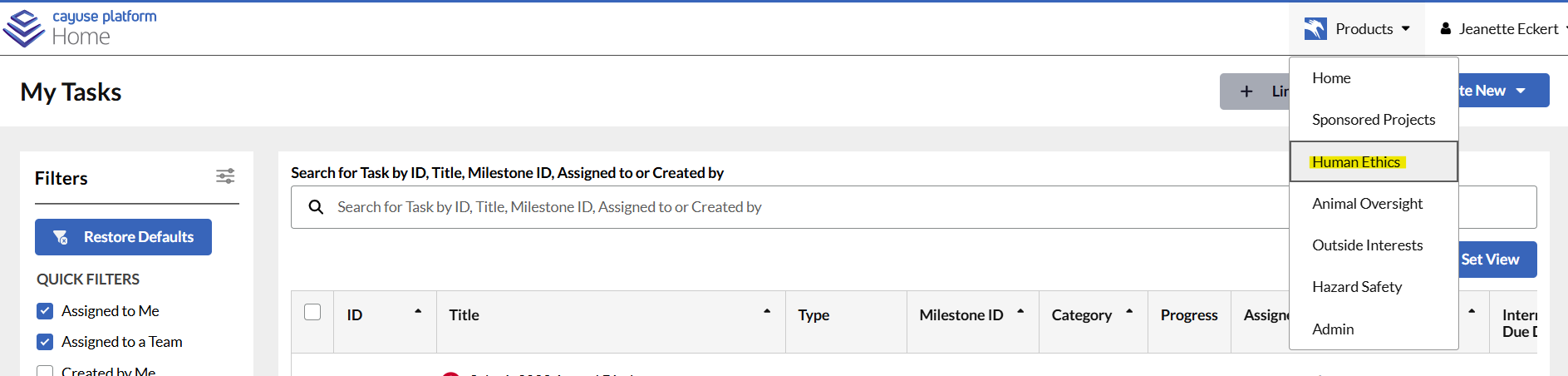
Login to Cayuse: https://ohio.app.cayuse.com(opens in a new window) and navigate to Human Ethics using the "Products" drop down menu.
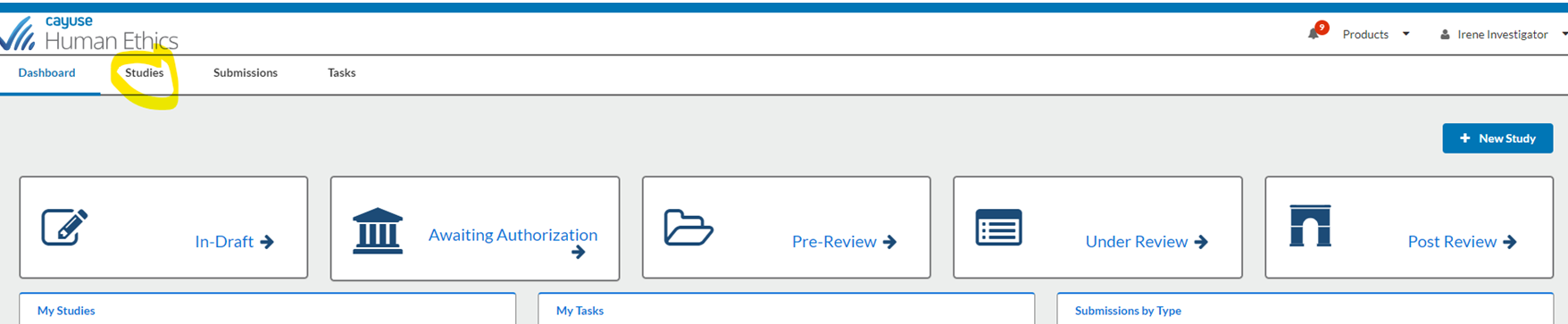
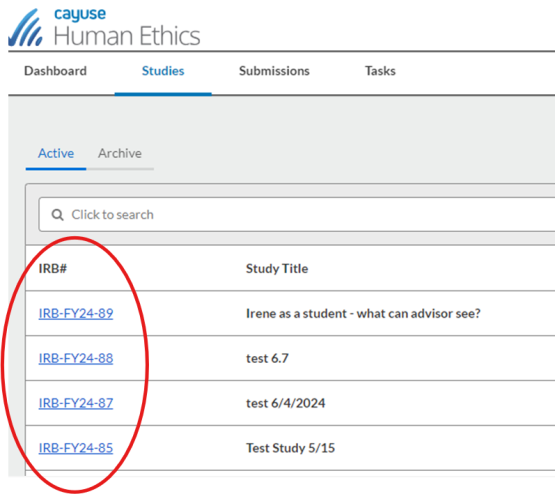
On your dashboard in the Human Ethics module, select the blue hyperlink of the study you wish to close. There are a few ways to see your studies, including clicking on the "Studies" tab.
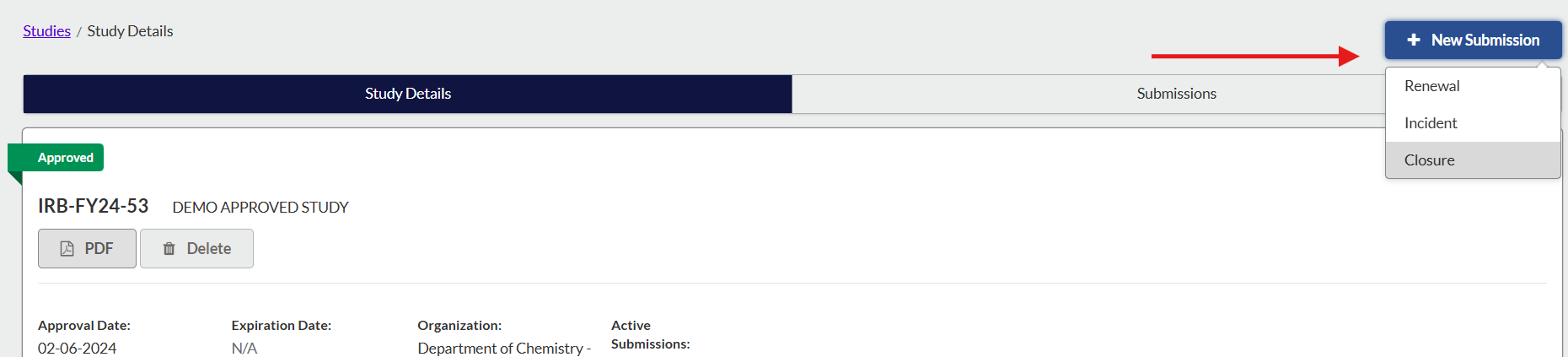
Once on the "Study Details" page of the study you need to modify, select "New Submission" in the top right corner and pick "Closure."
Then select "Edit" on the "Submission Details" page to begin editing the form.
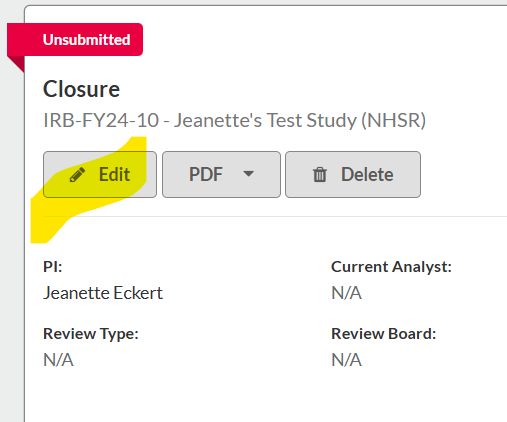
Answer the questions in the form and then submit and certify as usual.
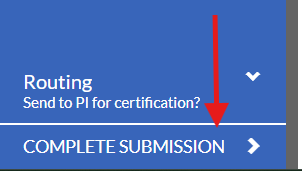
The submission is not received by the Office of Research Compliance until the PI, Co-Is, and the faculty advisor (if applicable) have certified. All study team members who are required to certify will receive an email from Cayuse.
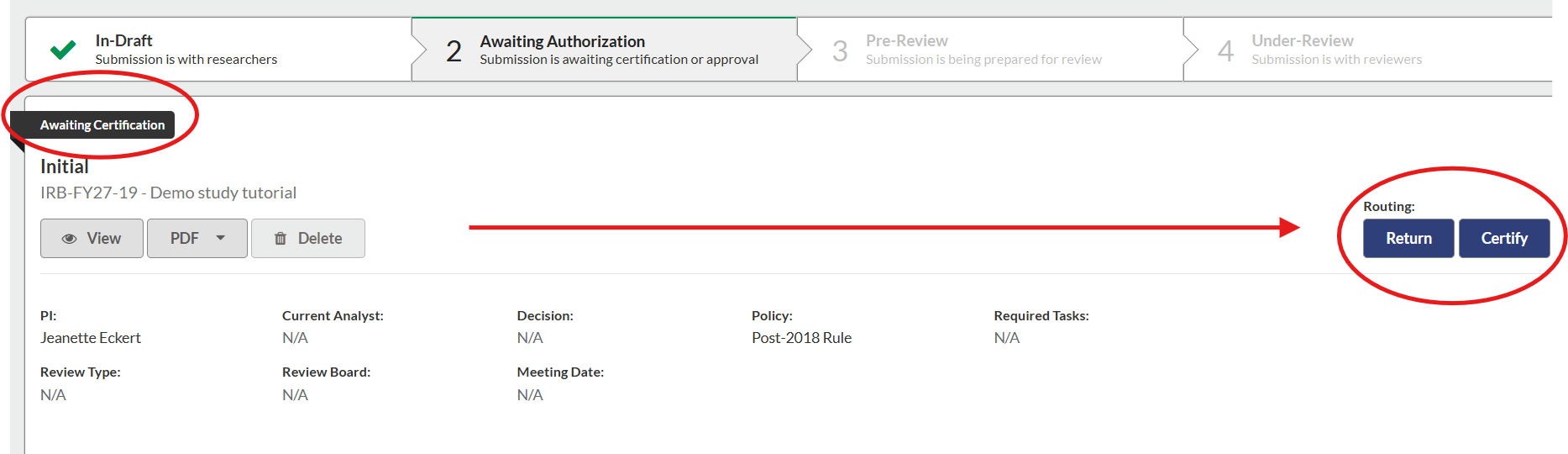
The submission will remain in "Awaiting Authorization" status until all certifications are complete. It is the responsibility of the PI and/or Primary Contact to ensure all study team members certify by checking in on the submission status and communicating with their study team. Once all certifications are complete, the submission will move into a status of "Pre-Review." This is the stage at which it is fully submitted to ORC.